![Homeroots_Logo_color_2160px.png]](https://kn.homeroots.co/hs-fs/hubfs/Homeroots_Logo_color_2160px.png?height=40&name=Homeroots_Logo_color_2160px.png)
Only delete items which are discontinued and not being replenished. Do not delete items that
have inventory, and you wish to sell through.
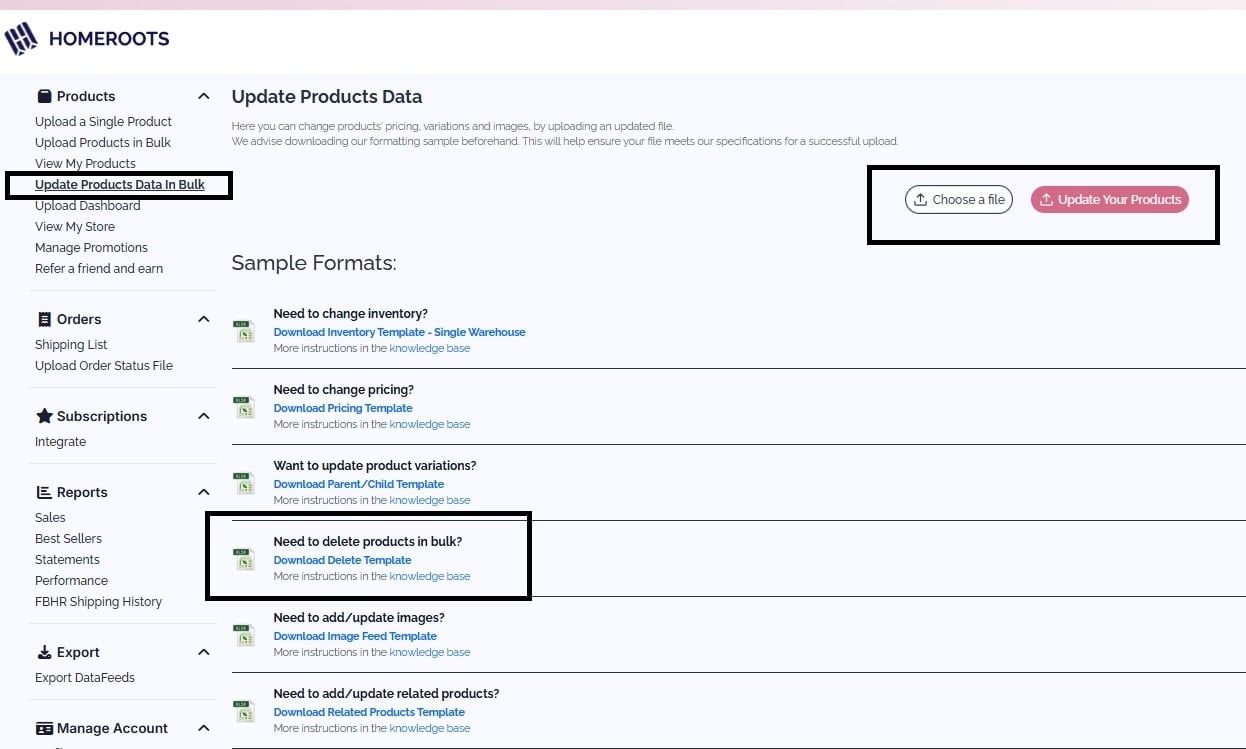
>Navigate to the “Update Products Data in Bulk” option in your portal and download a blank Delete Template.
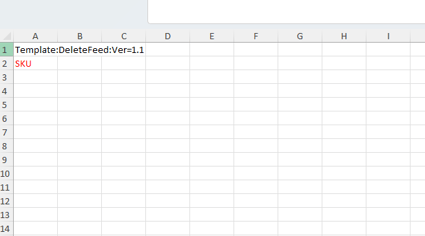
>Add skus you wish to delete in column A
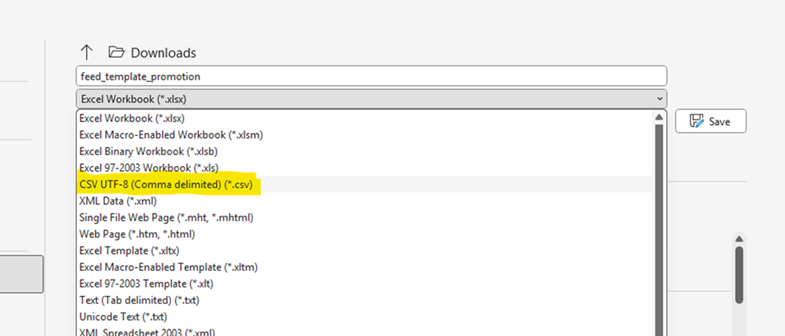
*Important Step- save your file as a csv file. Do not enter the file into the feed as an excel file. *
> Once the csv file is now saved to your computer, you may upload it into the Home Roots system as shown above.